How to make
AI dance videos.
A photo, a dance template, and a new take on the moves.
Here’s how the whole process fits together.
Choose a dance you want to make your own.
Open the template library and preview a routine. Check its movement, length, and frame before choosing it. Explore K-pop, relaxed grooves, fast footwork and sports movement references.
Templates keep their full original length and soundtrack. Use the full routine or choose a 4–30 second segment in the studio. You can hear the source music on each template detail page.
Find a dance templateA clear photo gives the dance a better starting point.
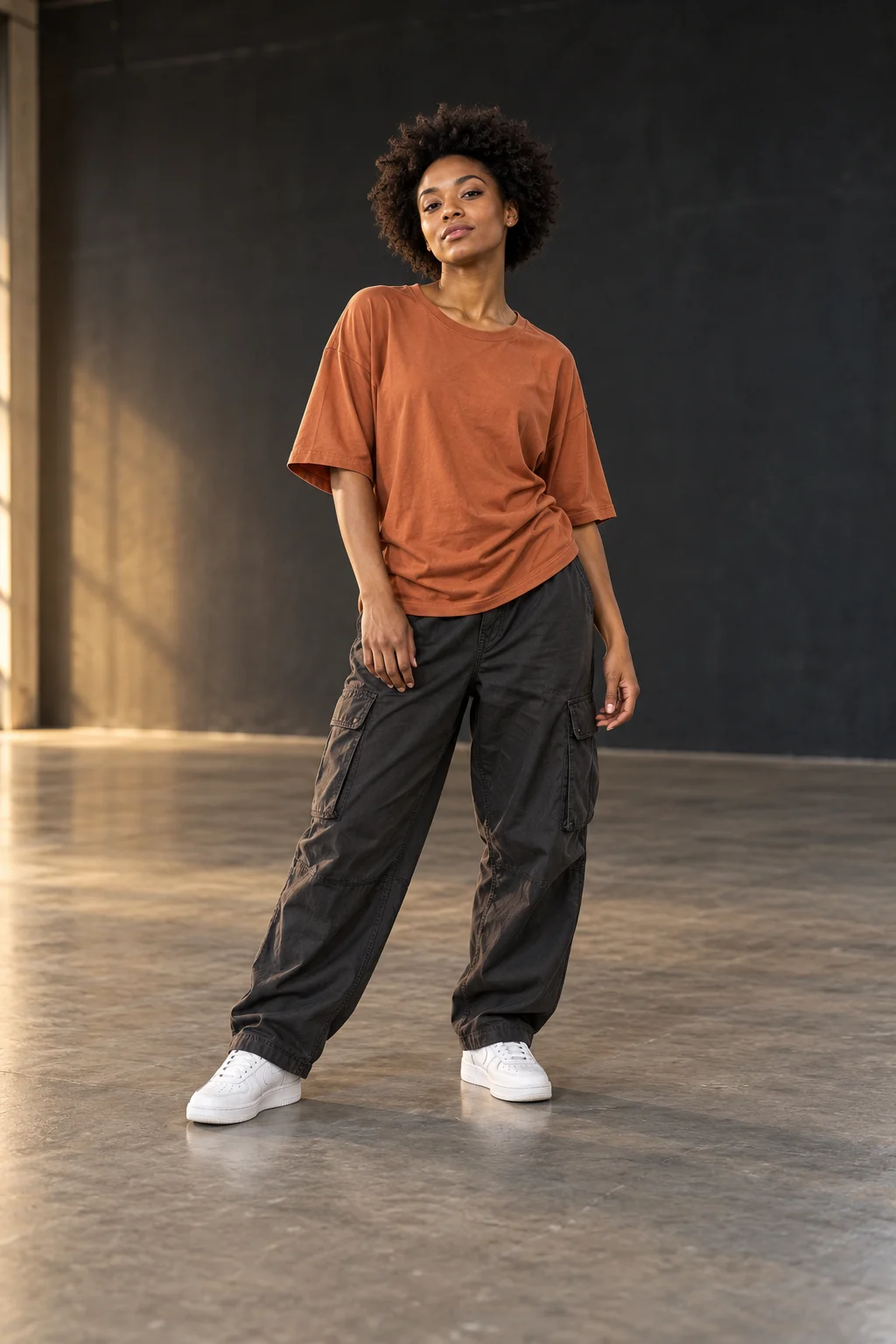
Choose one character image for every role in the template. Use your own photos or the preset cast. Select a replacement background with enough floor space for the full dance. A full-body photo helps the dance stay readable, especially when the routine includes footwork.
- Keep the face, hands, and feet visible.
- Use even lighting and avoid a crowded background.
- Upload JPG, PNG, or WebP, up to 10 MB.
- Use an image with each side between 301 and 5,999 pixels.
No photo ready? Choose a preset for each character. In a three-person template, configure A, B and C before creating the reference and prompt review.
Choose the frame. Then set the soundtrack.
Portrait works for vertical social posts. Landscape gives the movement more room. Start with the template’s original frame to keep the reference composition.
The soundtrack choices are template music, an original AI track, or no music. Your chosen soundtrack is added after the dance video is generated. Only use a soundtrack you have permission to use.
Choose 480p for a smaller file, 720p for standard output, or 1080p for Full HD. AI results can vary, including how closely motion and identity match your reference.
Review your choices and create your video.
Review the character images and background, then edit the video prompt to add your own creative details. Only then can video generation begin. The video model receives a silent motion reference; the chosen music is added afterwards.
Sign in with a verified email and confirm the displayed credit cost before reviewing your references and prompt. Credits are reserved for the take and spent when your MP4 is ready. Confirmed failures release the reservation. Find your progress and completed videos in My videos, and download within 14 days of delivery.
Make your first moveCommon first-video questions
Can I use a photo of myself?
Yes. A clear, full-body photo of one person works best. Keep hands and feet visible, use even lighting, and choose a photo you have permission to use.
Do I need to know how to dance?
No. Choose a reference dance and the intended workflow applies that movement to your character. You do not need to film yourself dancing.
Can I keep the template music?
The studio lets you choose template music, an original AI soundtrack, or no music. The selected music is added after the dance is generated. Only use music you have permission to use.